Hangman3D
A downloadable game for Windows
## Playtest Build - Levels 1-11
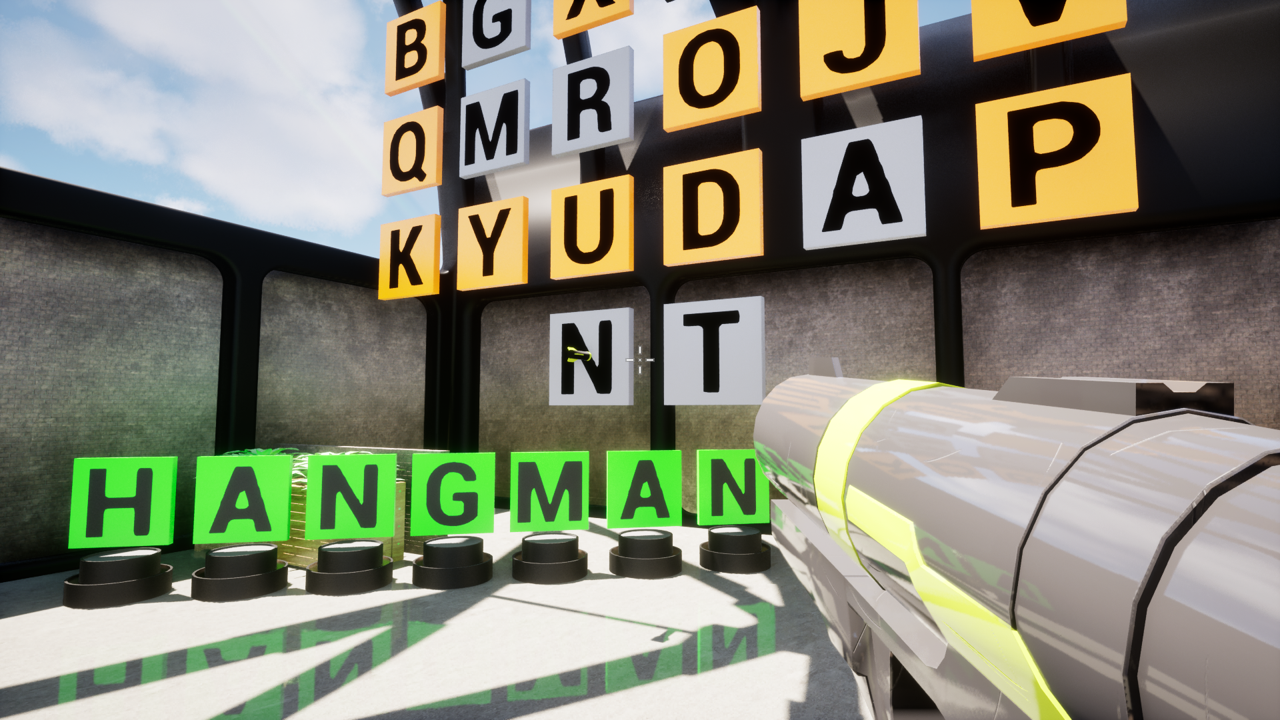
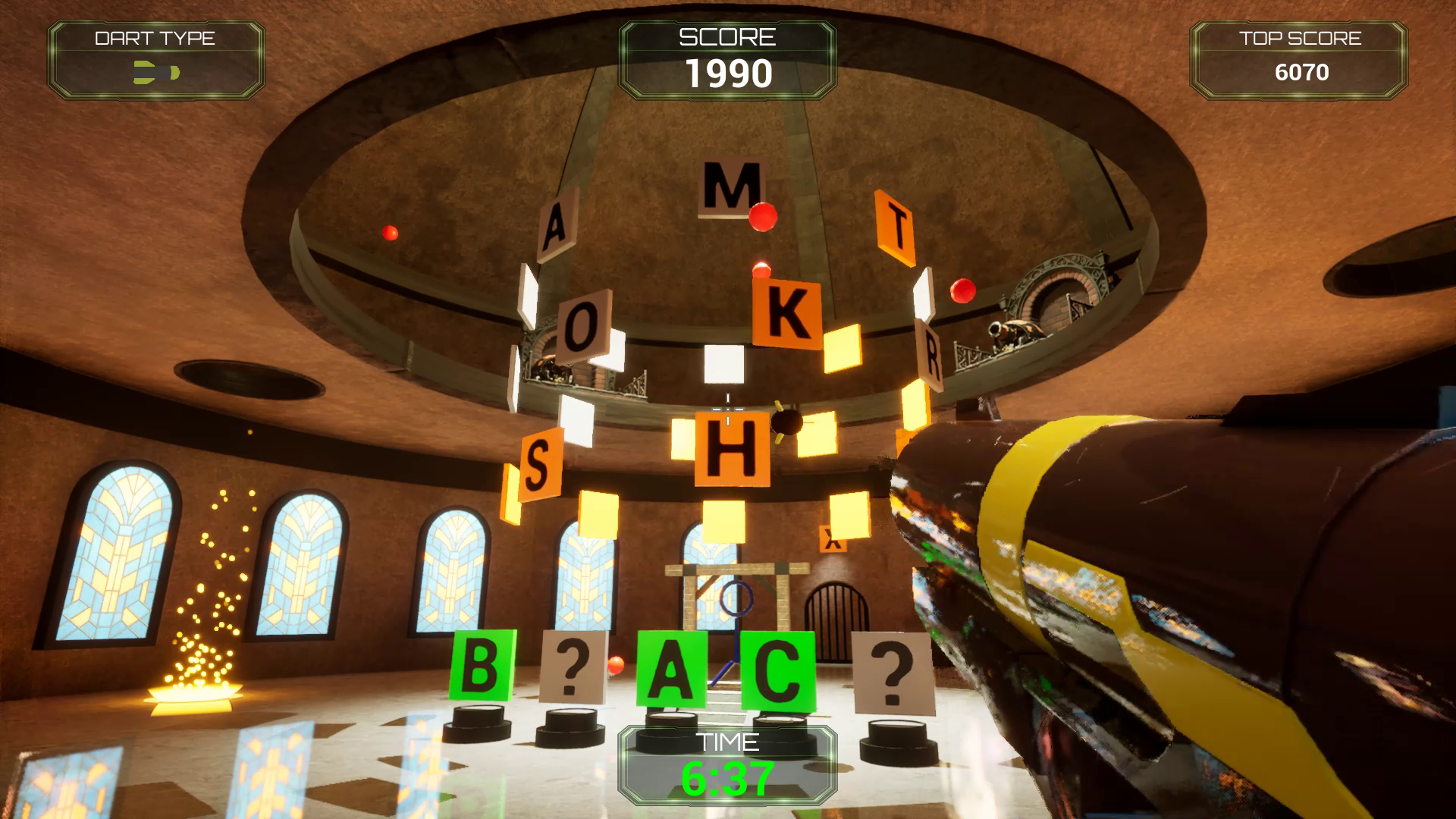
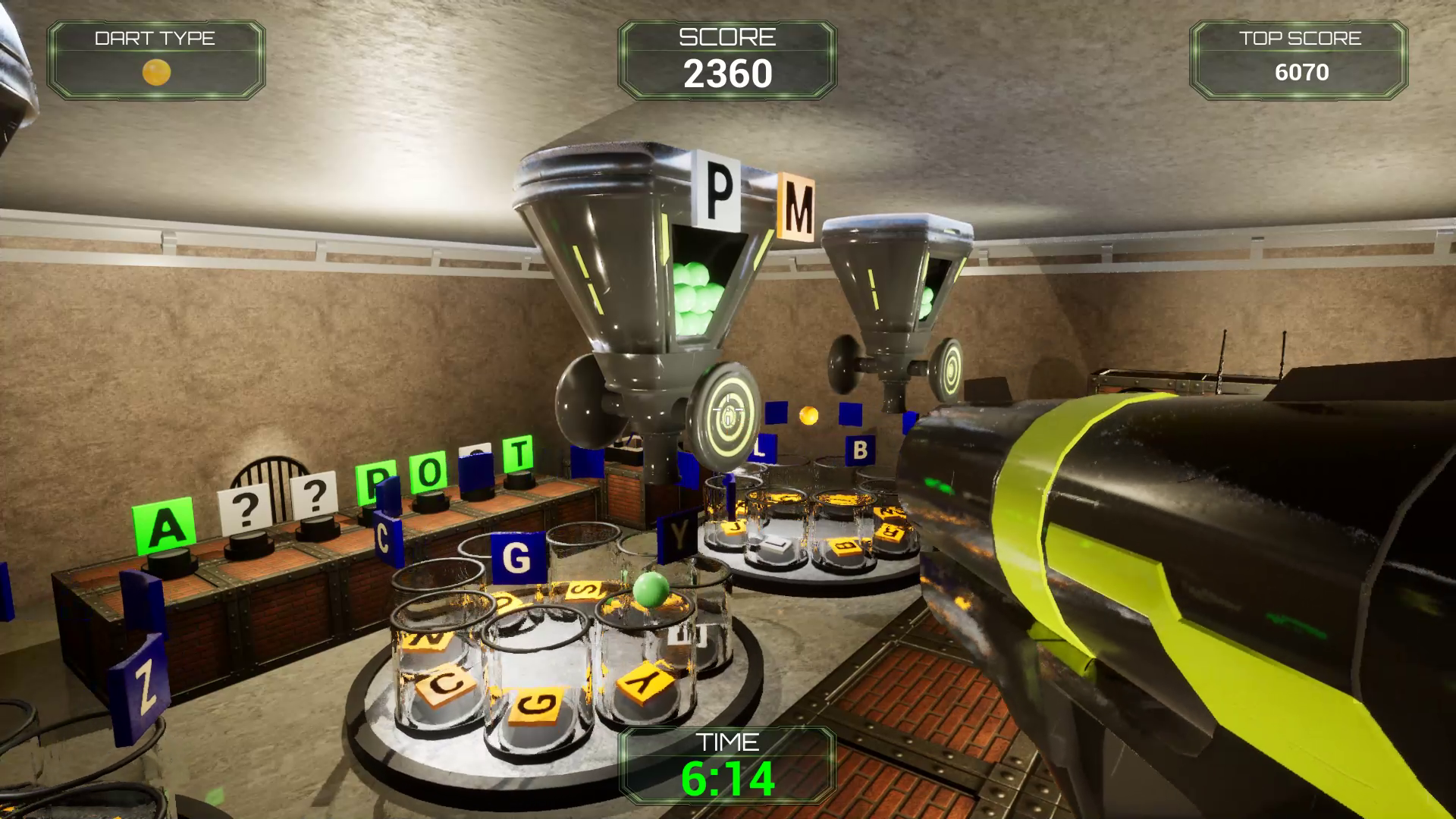
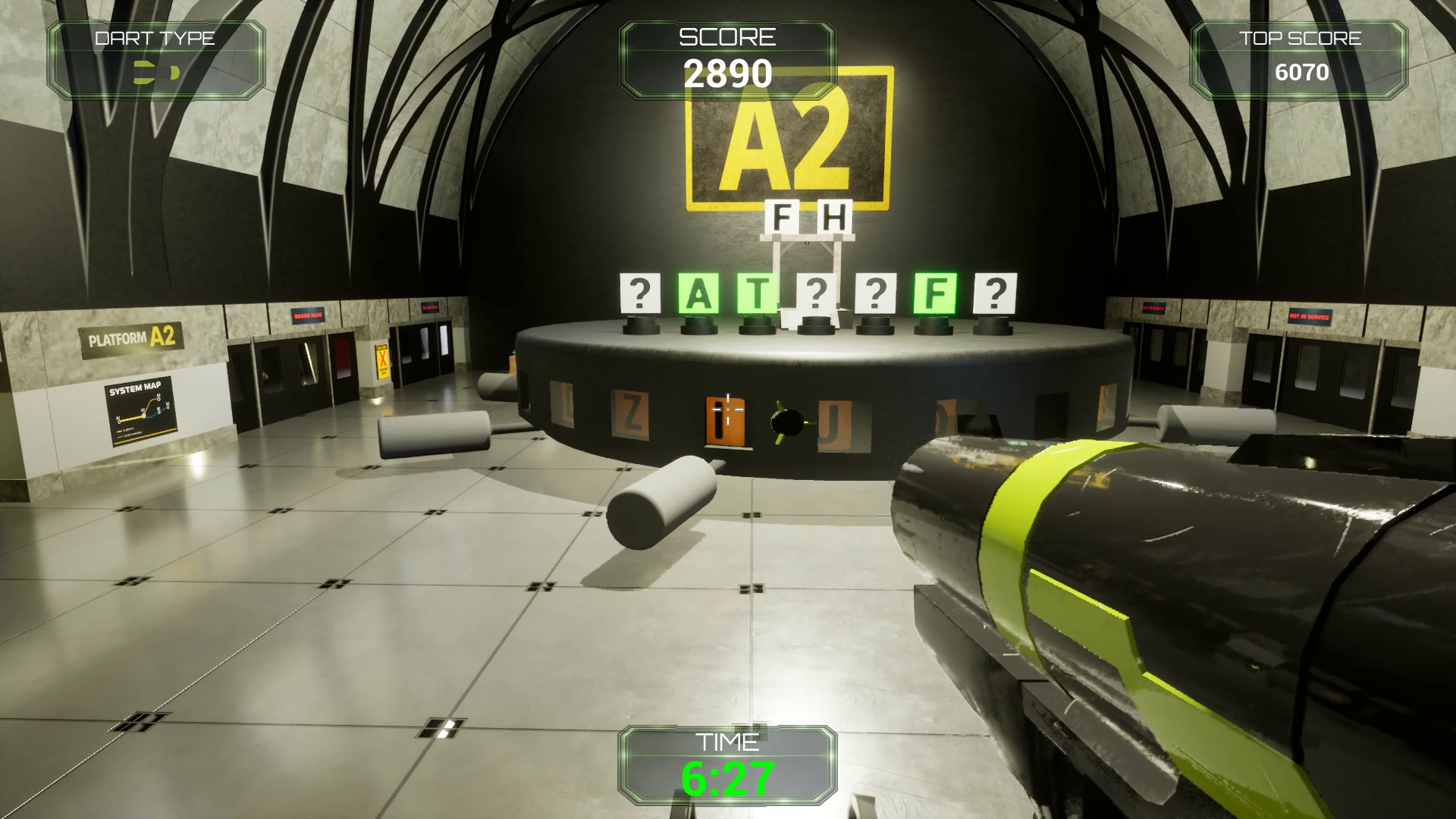
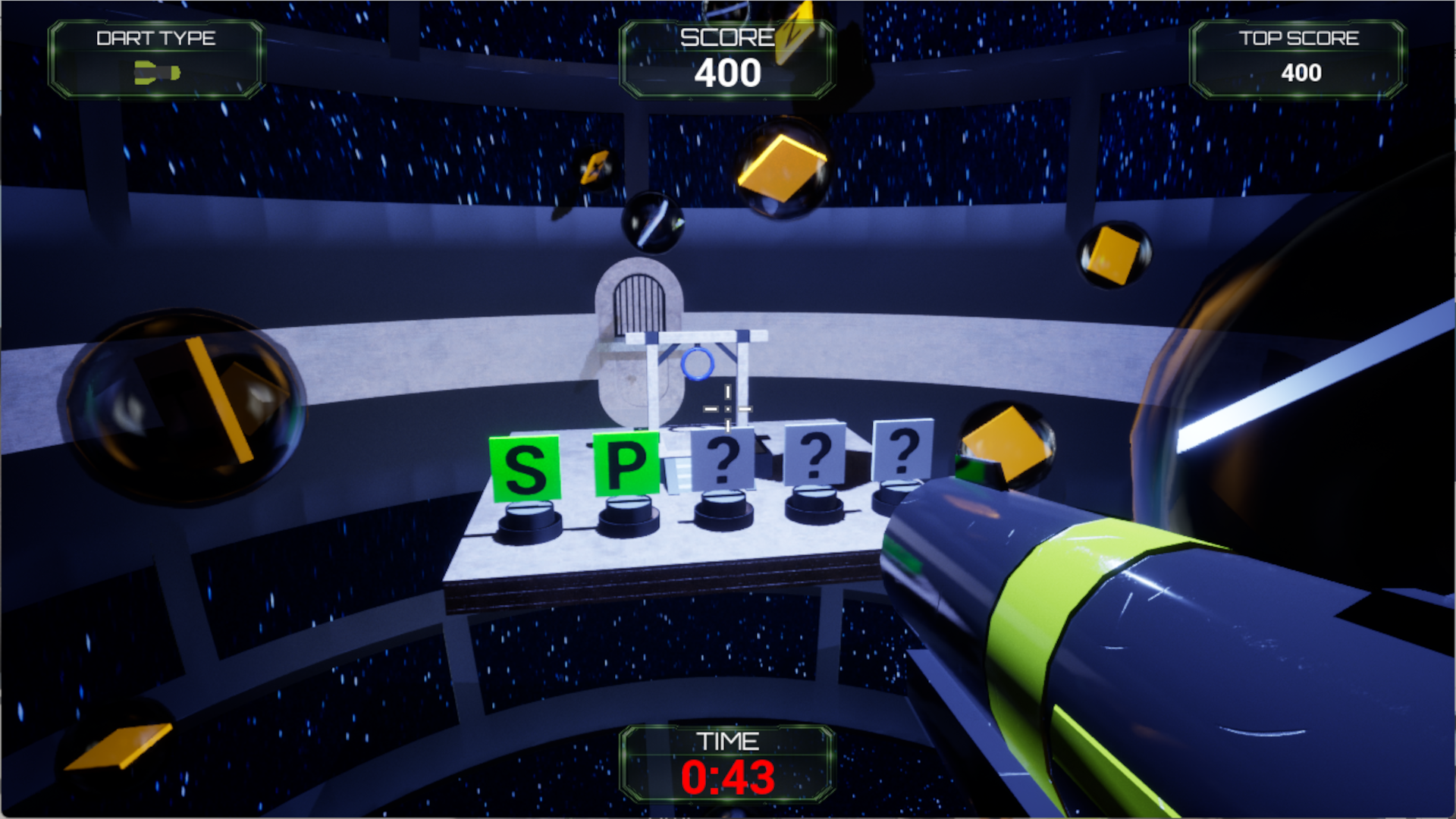
Hangman 3D is a first-person puzzle game where Hangman becomes a physical challenge. Find letters, solve the word, and escape each level before the Hangman is completed.
## Wishlist on Steam:
If you like the playtest, please Wishlist on Steam!
## Platform
Windows only
Minimum Requirements:
GPU: NVIDIA GeForce RTX 3060 or equivalent recommended for stable gameplay experience.
RAM: 8 GB (Min) 16 GB (Recommended)
## How to Play
- Explore the level to find letters
- Shoot or interact with a letter to make a guess
- Correctly selected letters reveal parts of the word
- Incorrect letters advance the Hangman
- Solve the puzzle before the Hangman is completed
This is an early playtest version of Hangman 3D.
You may encounter:
- Bugs
- Incomplete polish
- Balance issues
- Rough edges
This build is being shared to gather feedback before release. It includes the first eleven levels. Thanks for playing and helping to improve the game.
## Feedback Wanted
- Was anything confusing?
- Did the core gameplay make sense quickly?
- Did any level feel frustrating in a bad way?
- Did any level feel too easy or too hard?
- Did you hit any bugs or broken interactions?
- Did the controls feel smooth and responsive?
Please also mention:
- Which level you reached
- Where you got stuck
- Whether you would want to keep playing
## Known Issues
1. Some antivirus software may scan the game executable on first launch, which can cause temporary performance issues. If you experience stuttering or slowdowns on the first run:
- Try restarting the game after the first launch
- Ensure the game folder is not being actively scanned during gameplay
This is a common issue for new or unsigned builds, and should improve after initial scans.
Advanced Users (Optional): You may improve performance by adding the game folder as an exclusion in your antivirus settings.
2. Mouse controls can be twitchy. If you find this, adjust the aim sensitivity slider in the menu.
## Wishlist on Steam:
If you like the playtest, please Wishlist on Steam!
Download
Install instructions
## Download and Play
- Download the '.zip' file from this page
- Right-click the file and select "Extract All"
- Open the extracted folder
- Launch Hangman3D.exe
## Known Issues - interaction with antivirus
1. Some antivirus software may scan the game executable on first launch, which can cause temporary performance issues. If you experience stuttering or slowdowns on the first run:
- Try restarting the game after the first launch
- Ensure the game folder is not being actively scanned during gameplay
This is a common issue for new or unsigned builds, and should improve after initial scans.
Advanced Users (Optional): You may improve performance by adding the game folder as an exclusion in your antivirus settings.
Development log
- Hangman 3D Playtest Released!2 days ago